 Timezone
Support
Need help with Timezone? Browse the answers below or reach out directly.
Getting Started
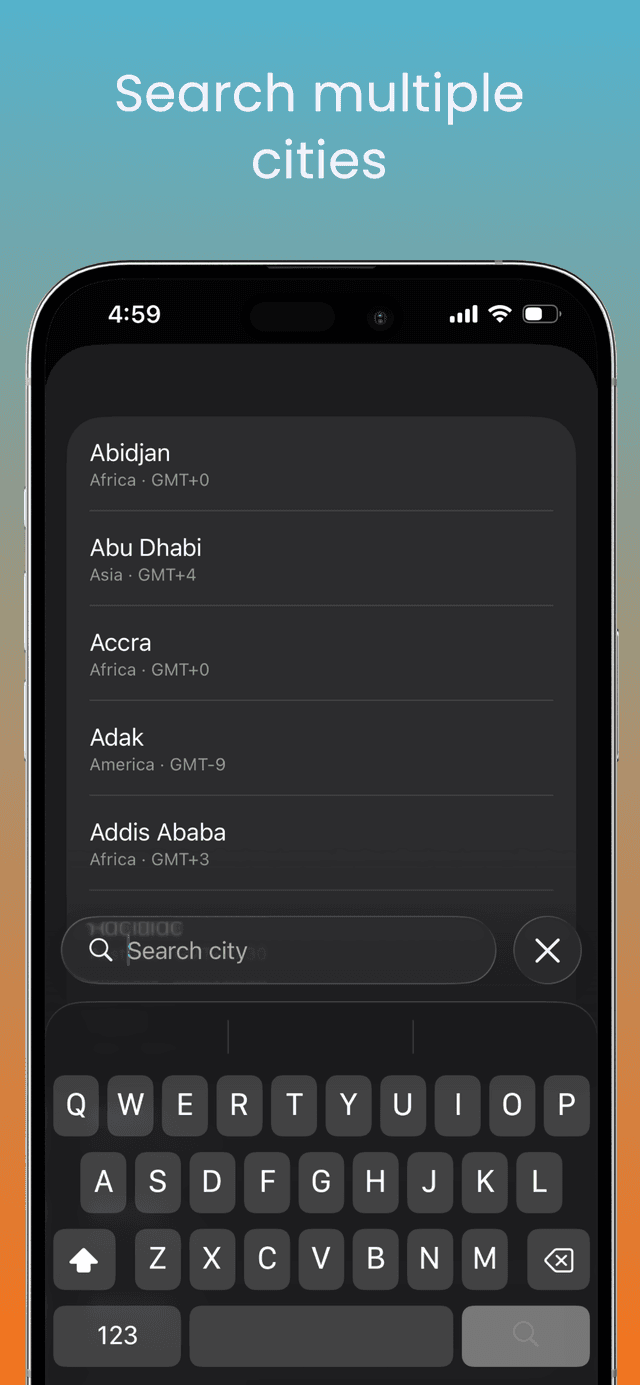
Add timezones
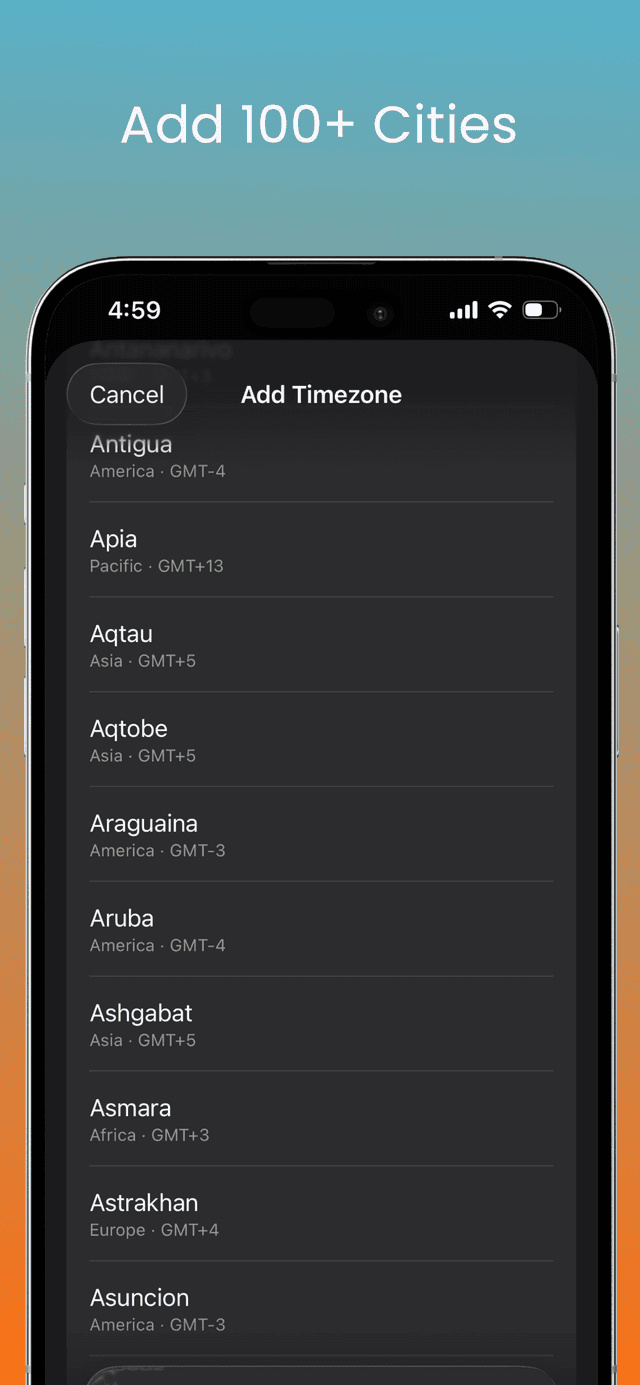
Tap 'Add Timezone' and search for any city. Pick as many as you need to track.
Read the chart
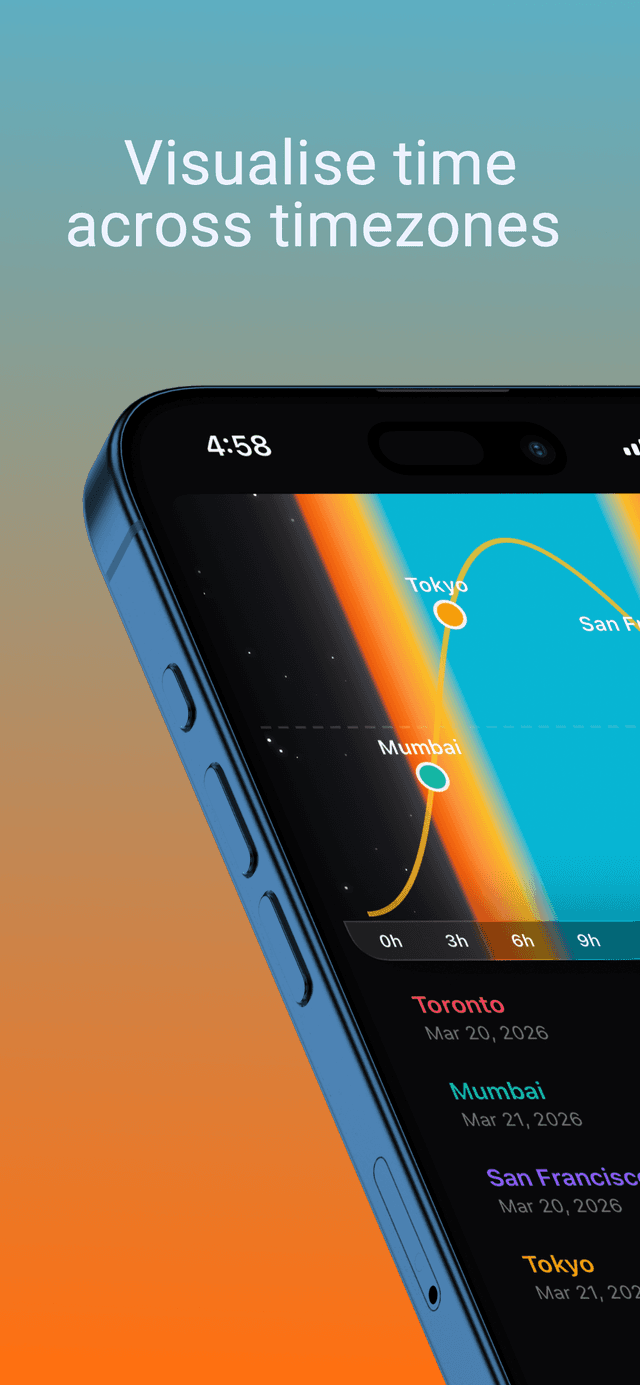
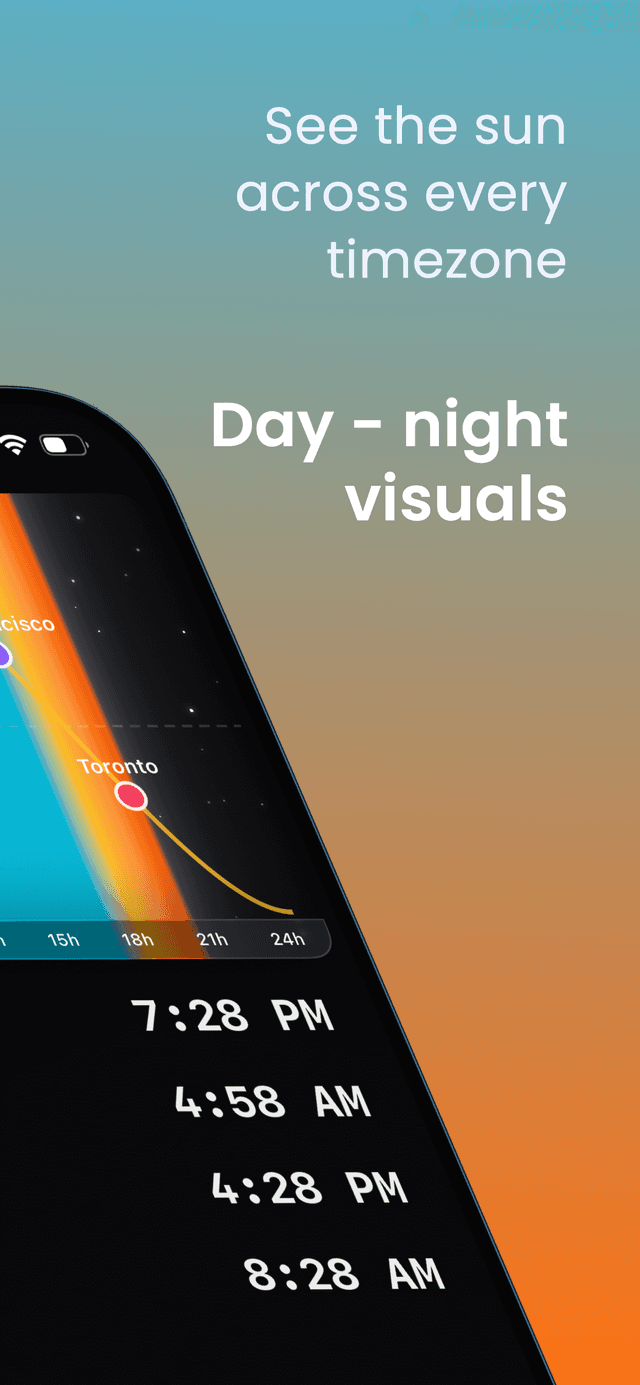
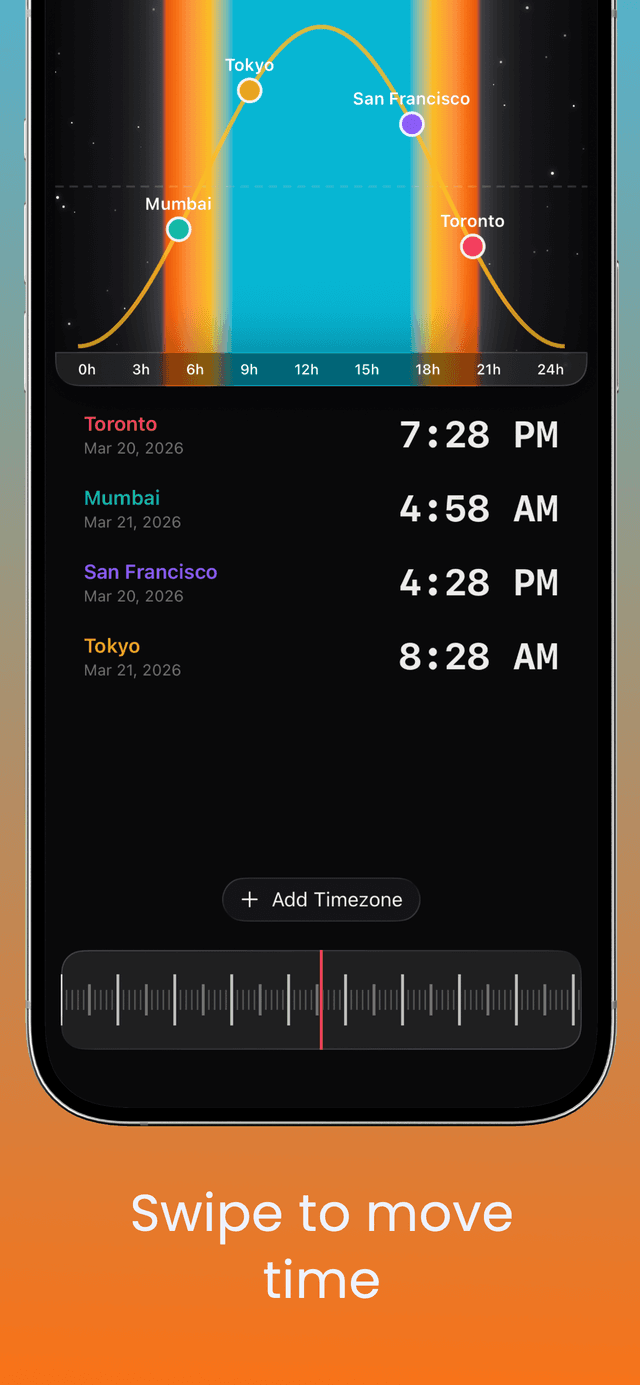
Each colored dot on the sun path shows a city's position in its day-night cycle at a glance.
Scrub through time
Swipe the dial at the bottom to fast-forward or rewind and see how times change together.
Frequently Asked Questions
How do I add a new timezone?
Tap the 'Add Timezone' button at the bottom of the timezone list. You can browse all available cities or use the search bar to find a specific one.
How does the sun path chart work?
The chart shows a 24-hour sun arc for each of your selected timezones. The colored dots represent each city's current position along its day-night cycle, so you can instantly see who's in daylight and who's in darkness.
How do I change the time to see other moments in the day?
Use the dial at the bottom of the screen. Swipe left or right to scrub through time and see how all your timezones shift together.
Can I remove a timezone?
Swipe left on any timezone row in the list to reveal the delete option. You must keep at least one timezone.
Does the app work on iPad?
Yes. On iPad the layout adapts to a side-by-side view with the sun chart and dial on the left and the timezone list on the right.
Does the app collect any data?
No. Timezone runs entirely on your device. It does not collect, store, or transmit any personal data. Your selected cities are saved locally.
Privacy Policy
Last updated: March 21, 2026
Data Collection
Timezone does not collect, store, or transmit any personal data to external servers. Your selected timezones are saved locally on your device using standard app storage and are never sent to us.
Location
The app does not request or use your location. All timezone information is derived from the cities you manually select.
Third-Party Services
The app does not integrate any third-party analytics, advertising, or tracking SDKs.
Contact
Questions about this privacy policy? Email us at work@arshwaraich.com.